
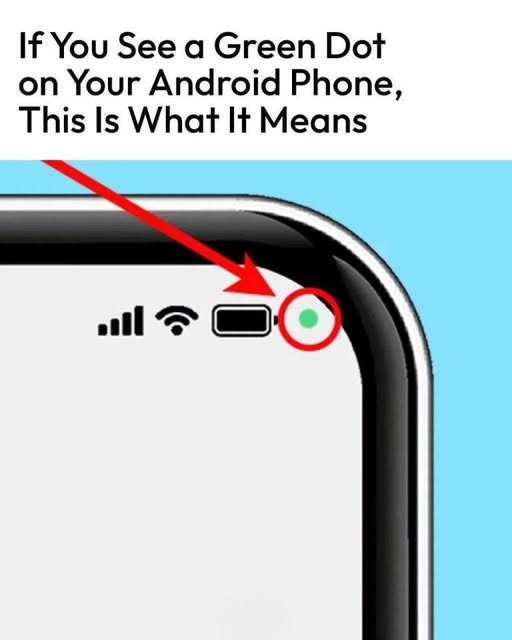
If You See the Green Dot?
According to Samsung, you can figure out which app is using your camera or microphone in four quick steps.
Step-by-Step Guide
Step Action
1 Check the initial notification – When the notification first appears, it will have an icon showing whether the alert is about the camera, the microphone, or both. It will then shrink to just be the dot in the upper right corner.
2 Swipe down on the notification bar to open it
3 Tap on the dot to expand it – This will open a dialogue box that tells you what is being






Comments